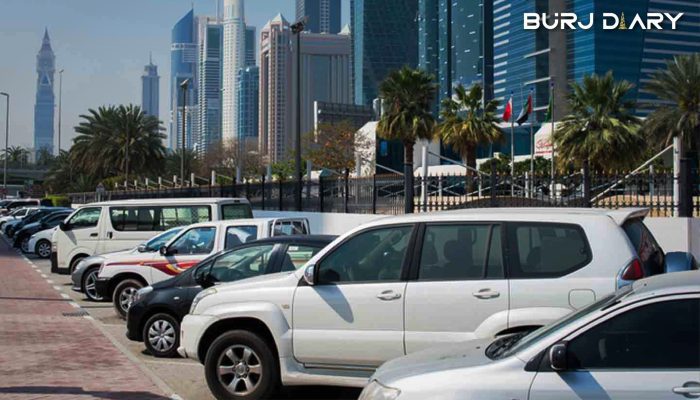
Dubai’s obsession with cars is no secret. But if you own a car here, finding a space to park—and paying for it—can sometimes feel like a hassle. Fortunately, the Roads and Transport Authority (RTA) has made life much easier with the Dubai Parking SMS service (also known as mParking).
Gone are the days of hunting for loose change. Now, you can pay for your spot instantly by sending a simple text message. How cool is that?
In this guide, we will walk you through exactly how to put parking in Dubai by SMS, the correct codes for non-Dubai plates, and alternative methods like WhatsApp.
Planning a trip to the neighboring emirate? Check our guide on Sharjah SMS Parking to avoid fines there.
What is mParking (Dubai Parking SMS)?
mParking is a service that allows motorists to pay for public parking fees using their mobile phones. By sending a text message to the Dubai parking SMS number 7275 (which spells out P-A-R-K on an old keypad), your parking fee is deducted directly from your mobile balance (for prepaid) or added to your monthly bill (for postpaid).
This service works on all mobile networks in the UAE, including Etisalat, Du, and Virgin Mobile.
How to Pay Parking in Dubai by SMS

The process is incredibly simple, but accuracy is key. If you type the wrong format, the system won’t recognize your request, and you might risk a fine.
Step 1:

Open your messaging app and start a new message to 7275.
Step 2:

The Dubai parking SMS format follows a specific pattern:
Plate Number <space> Zone Number <space> Duration
- Plate Number: Your vehicle license plate (e.g., A54321).
- Zone Number: The code displayed on the orange or blue parking signs in your area (e.g., 343C).
- Duration: How many hours you want to park (e.g., 1).
Example:
If your car plate is A 54321, the parking zone is 343C, and you want to park for 1 hour, your SMS should look like this:
A54321 343C 1
Step 3:

Once you send the message, wait for a confirmation SMS from the RTA. This usually takes a few seconds.
- Confirmation: You will receive a text with your ticket details and expiry time. Do not leave your car until you get this confirmation.
- Cost: You will be charged the parking fee plus a 30 fils transaction fee by your mobile provider.
How to Extend Parking
About 10 minutes before your time expires, the RTA will send you a reminder SMS.
- To extend for another hour, simply reply with the letter “Y”.
- This renews the ticket for the same zone and duration.
Dubai Parking SMS for Abu Dhabi Plate (and Other Emirates)
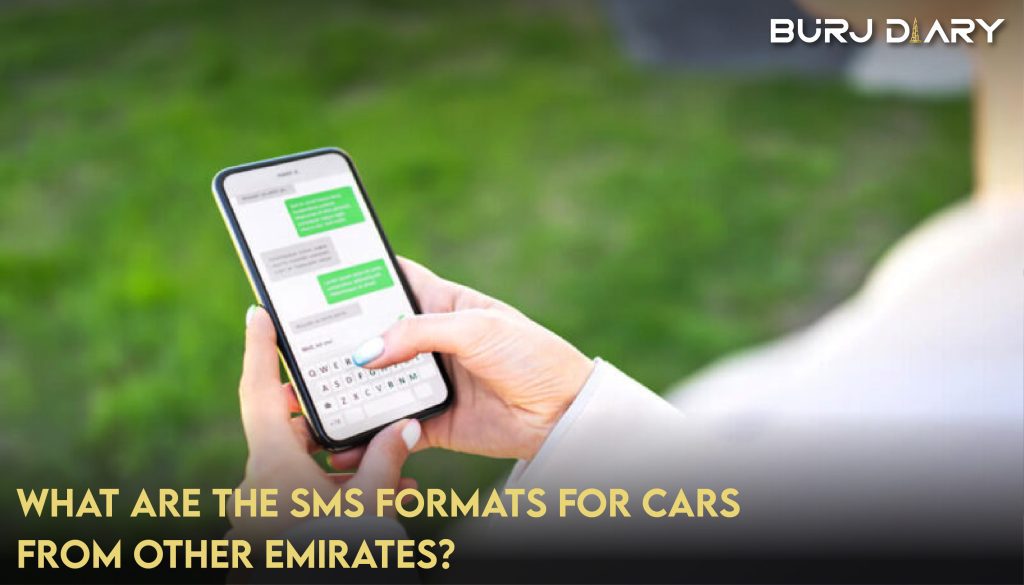
If you are driving a car registered outside of Dubai, you can still use the 7275 service. However, you must include a specific code before your plate number to identify the emirate.
Here is the format:
Emirate Code <space> Plate Number <space> Zone Number <space> Duration
Emirates Codes:
- Abu Dhabi: AUH
- Sharjah: SHJ
- Ajman: AJM
- Umm Al Quwain: UAQ
- Ras Al Khaimah: RAK
- Fujairah: FUJ
Example for an Abu Dhabi Plate:
If your Abu Dhabi plate is Red 12345 and you are in zone 343C:
AUH12345 343C 1
GCC Codes:
Visitors from neighboring countries can also use the service:
- Saudi Arabia: KSA
- Kuwait: KWT
- Bahrain: BAH
- Oman: OMN
3 Other Ways to Pay for Parking in Dubai

Let’s look at four ways to pay for car parking by SMS In Dubai.
- SMS Pay
- Pay parking in Dubai via WhatsApp
- RTA App
- NOL card
Let’s briefly look at them one by one.
SMS Pay:

We have already discussed SMS pay. Refer to the details given on how to use mParking above. It is the same as above.
Let’s discuss others.
1. Pay Parking in Dubai via WhatsApp:

This is a game-changer if you want to save that 30 fils SMS fee.
- Add the RTA Chatbot number to your contacts: +971 58 800 9090.
- Open WhatsApp and send a message in the same format as the SMS:
Plate No <space> Zone No <space> Duration. - The parking fee is deducted from your RTA account balance (you must have a valid balance linked to your number).
2. RTA Dubai App:

The RTA app is free on Apple and Google Play stores.
- Open the app (no login required for “Guest” payment).
- Click on “Parking” > “Pay Public Parking Fees.”
- The app auto-detects your location/Zone Number.
- Select your vehicle, duration, and pay via Apple Pay, Samsung Pay, or Credit Card.
3. NOL Card:

The Nol card isn’t just for the Metro!
- Look for the parking payment machine in your zone.
- Select your parking duration on the screen.
- Tap your Nol card to pay. The machine will issue a paper ticket to display on your dashboard (though many new zones are now paperless).
Learn more about getting around the city in our guide to Dubai Metro timings and Nol cards
Dubai Parking Fees & Timings (2026)
Parking isn’t free everywhere, and rates depend on the zone type.
- Zone A (Commercial): 4 AED/hour (Short-term)
- Zone B (Commercial): 3 AED/hour (Long-term)
- Zone C (Non-Commercial): 2 AED/hour
- Zone D (Non-Commercial): 2 AED/hour
Timings:
Generally, paid parking applies from 8:00 AM to 10:00 PM, Monday to Saturday. Parking is free on Sundays and public holidays (unless stated otherwise on the sign). Always check the signpost in your specific zone, as timings can vary.
Frequently Asked Questions (FAQs)
Q: What is the Dubai parking SMS number?
A: The number to send your parking request to is 7275.
Q: Is Dubai parking free on Sunday?
A: Yes, generally public parking in Dubai is free on Sundays and public holidays. However, multi-story parking terminals usually charge fees 24/7.
Q: How do I register for Dubai parking SMS?
A: You do not need to register to use the basic SMS service. However, if you register your vehicle on the RTA website, you can use a customized “Nickname” (like “MyCar”) instead of typing the full plate number every time.
Q: What happens if I send the wrong format?
A: You will receive an error message stating the format is incorrect. You will not be charged for the parking ticket, but your mobile provider might still charge you for the SMS sent.
Q: Can I pay for half an hour via SMS?
A: No, the Dubai parking SMS system typically accepts durations in full hours (1, 2, 3, etc.). However, through the RTA App, you can sometimes find more flexible options depending on the zone.
Q: How do I check my remaining parking time?
A: You cannot check the remaining time via SMS query, but the RTA will automatically send you a reminder 10 minutes before expiry.
Conclusion

The sun is setting on the era of carrying loose coins for parking meters. In 2026, digital payments are safer, faster, and far more convenient.
Whether you choose the classic Dubai parking SMS method via 7275 or switch to the modern WhatsApp feature, paying for your spot takes seconds. Embrace the convenience, but always double-check your Zone Number to avoid those pesky fines